Loom vs Snagit vs ShareX: Best Screen and Webcam Recording Software
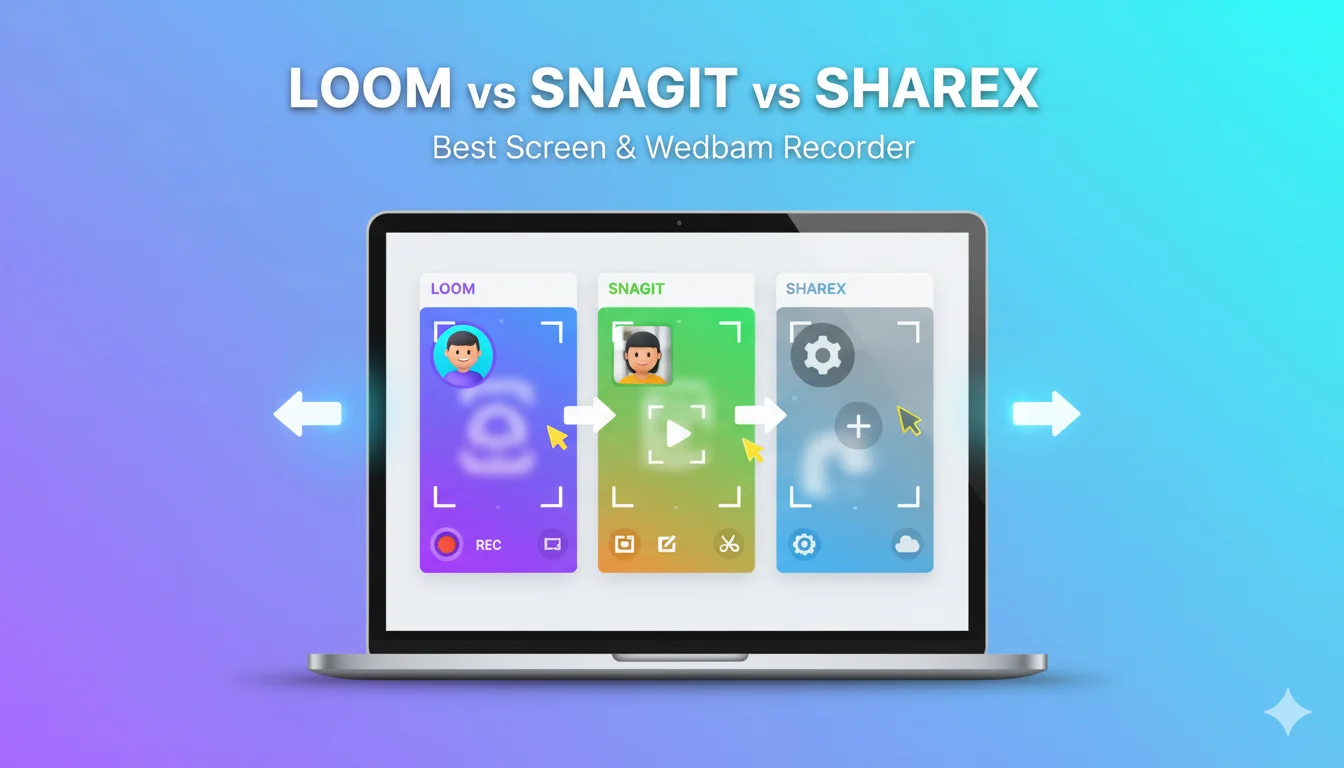
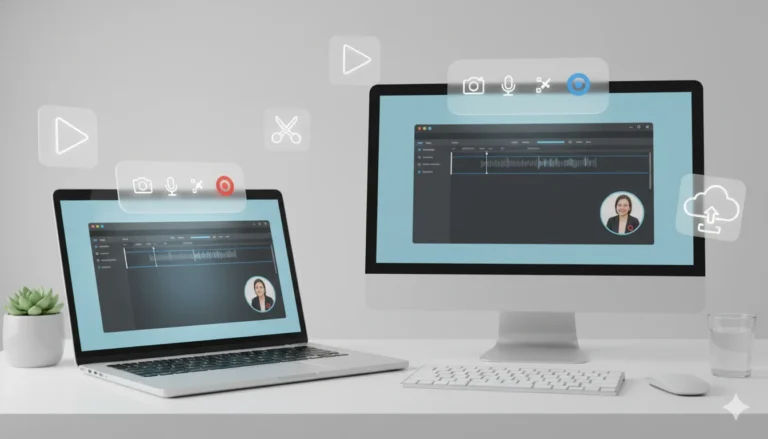
If you need to record your screen or webcam for tutorials, feedback, or documentation, choosing the right software is essential. Loom, Snagit, and ShareX are three of the most popular options, each serving a different purpose. Loom is ideal for quick video messages, Snagit specializes in detailed screen captures and annotations, and ShareX offers extensive customization for power users on Windows. This guide compares their features and performance to help you find the best fit for your workflow.
Best Picks Summary
Not sure where to start? Here’s our quick recommendation based on your needs:
- Best Overall for Beginners: Loom. Its one-click recording and instant sharing make it dead simple—no steep learning curve, just results.
- Best for Professional Use: Snagit. If you need annotations and AI-powered edits for client work or training, this is your powerhouse.
- Best No-Cost Option: ShareX. Perfect if you’re budget-conscious and okay tweaking settings for advanced workflows.
- Worth It If…: You’re in sales/support (Loom), creating docs (Snagit), or automating captures (ShareX).
These picks are drawn from user reviews and hands-on tests, prioritizing software that balances ease and output quality.
Related Articles You May Like:
Best Secure Email Services Compared (ProtonMail vs Tutanota vs Mailfence)
AI Video Generator Tools Compared (Best for YouTube Creators)
Best PDF Editors Compared (Free + Paid 2026)
Detailed Reviews
Let’s break down each tool. We’ll cover setup, key strengths, and why it might (or might not) fit your workflow. These reviews are based on 2026 updates, including AI enhancements and platform tweaks.
Loom Review: The Go-To for Quick, Collaborative Videos
Loom shines when you need to record your screen and webcam fast—think explaining a bug to a dev team or demoing a feature to a client. Launch the Chrome extension or desktop app, hit record, and you’re live in seconds. The bubble cam overlay keeps your face visible without dominating the frame, and system audio captures everything crisply.
What sets Loom apart in 2026? AI workflows that auto-generate summaries, chapters, and even tasks from your video. Transcripts in 50+ languages mean global teams stay in sync, and integrations with Slack, Jira, and Gmail make sharing a breeze. Editing is lightweight: trim clips, add arrows or text, and remove filler words with one click. No more sifting through raw footage.
For beginners, the free plan is generous—25 videos up to 5 minutes each—but pros will want Business for unlimited length and 4K exports. It’s cloud-based, so accessibility is top-notch, but offline editing is limited.
In short, Loom turns “I need to show this now” into a polished shareable link. If your day involves async updates, this review says it’s a no-brainer.
Snagit Review: Powerhouse for Annotated, Pro-Level Captures
Snagit, from TechSmith, isn’t just a communication solution—it’s a full visual communication suite. Start with Screencelligence for smart region selection, then layer in webcam as picture-in-picture for that personal touch. 2026’s AI upgrades, like auto-step capture, turn mouse clicks into numbered guides automatically, saving hours on tutorials.
Editing is where Snagit flexes: 19 annotation tools (arrows, highlights, stamps), text recognition to edit on-screen copy, and smart redaction for privacy. Scrolling capture grabs entire webpages or docs without stitching, and you can output to MP4, GIF, or even integrate with Camtasia for deeper video work. The library organizes everything with tags and search.
It’s cross-platform (Windows/Mac), with a 15-day trial to test-drive. Drawbacks? The interface packs a lot, so intermediates might need a weekend to master it. But once you’re in, it’s efficient for repeatable tasks like onboarding videos.
If your goal is “crisp, documented output that impresses,” Snagit’s comparison to basic communication solutions falls flat—it’s built for pros who value precision.
ShareX Review: Free, Customizable Muscle for Windows Users
ShareX is the underdog: open-source, ad-free, and endlessly tweakable. Hotkey to full-screen record, add webcam overlay, or snag a region—it’s lightweight and launches instantly. No bloat; just raw capture power with GIF support and 80+ upload spots (Imgur, FTP, you name it).
In 2026, it’s still evolving via community updates, with better automation for workflows like “capture, annotate, upload.” Basic editing (trim, resize) happens via external tools, but the workflow builder lets you chain actions—like auto-uploading to Dropbox post-record.
Pros love it for scripting custom hotkeys, but beginners? The menu-heavy setup can overwhelm. It’s Windows-exclusive, no mobile app, and lacks polished AI. Yet, for zero cost, it handles unlimited recordings without watermarks.
ShareX is ideal if you’re tech-savvy and want control without paying. In this vs battle, it’s the budget king for power users.
Pricing Comparison
Pricing can make or break your buy—especially with commercial intent in mind. Here’s a breakdown to see if it’s worth it. All figures are 2026 USD, based on official sites and reviews.
Loom Pricing
- Starter (Free): 25 videos/user (5-min max), 720p, basic edits, unlimited screenshots. Great for testing.
- Business ($18/user/month, billed annually): Unlimited everything, 4K, custom thumbs, team spaces. Scales for small teams.
- Business + AI ($24/user/month): Adds auto-summaries, filler removal, transcript edits. Best for heavy creators.
- Enterprise (Custom): SSO, admin controls—contact sales for quotes.
Loom’s free tier hooks beginners, but paid unlocks collaboration gems. Annual savings: ~20% vs monthly.
Snagit Pricing
- Individual ($39/year): Full access for one user, perpetual updates via sub. No limits.
- Business ($48/user/year): Team licensing, volume discounts for 5+ users.
- One-Time Option: ~$63 perpetual (but sub recommended for AI features).
Snagit’s shift to annual subs keeps it affordable long-term—cheaper than Loom for solos. 15-day trial means zero risk.
ShareX Pricing
- Free Forever: No tiers, no catches. Open-source means community-driven updates.
In this pricing vs, ShareX wins free, Snagit value-for-money, and Loom scalability. Factor in your volume: low-use? Free Loom/ShareX. High-output? Snagit pays off.
Pros & Cons
No tool’s perfect—here’s the balanced view to aid your choice.
Loom Pros & Cons
Pros:
- Dead-simple setup and sharing—record and send in under a minute.
- AI magic (summaries, chapters) boosts productivity.
- Seamless integrations reduce app-switching.
Cons:
- Free plan caps video count/length, pushing upgrades.
- Occasional sync glitches in low-bandwidth spots.
- Less robust for heavy annotations.
Snagit Pros & Cons
Pros:
- Killer annotations and AI steps for pro docs.
- Cross-platform reliability, searchable library.
- One-time-ish cost beats ongoing subs for many.
Cons:
- Interface feels dated to some beginners.
- No built-in cloud sharing—manual exports needed.
- Mac version lags slightly on AI features.
ShareX Pros & Cons
Pros:
- Totally free, no limits or ads.
- Hyper-customizable workflows for efficiency.
- Lightweight—won’t bog down older PCs.
Cons:
- Windows-only; steep curve for newbies.
- Basic editing requires third-party apps.
- No official support—community forums only.
These lists spotlight trade-offs: ease (Loom) vs depth (Snagit) vs cost (ShareX).
Real-World Use Cases
Theory’s fine, but how do these play out daily? Here are practical scenarios from user feedback.
Loom in Action: Async Sales Feedback
You’re a rep closing deals remotely. Record a 2-minute screen walkthrough of your CRM, overlay your excited face, and AI-adds a “Next Steps” chapter. Share via Slack—client replies in hours, not days. Saves 30% meeting time, per teams. Beginners love the no-edit-needed flow.
Snagit for Tutorial Creation
As a support lead, capture a scrolling help doc, annotate pain points with arrows, and export as GIF for quick shares. AI steps auto-number fixes, turning raw footage into a branded guide. IT pros swear by it for reducing tickets by 40%. Ideal for intermediates building libraries.
ShareX for Dev Automation
A freelancer automates bug reports: Hotkey records screen+webcam, uploads to GitHub, notifies via Discord. Custom scripts handle batch GIFs for UI tests. Power users cut manual work by 50%, but setup takes tinkering.
These cases show Loom for communication, Snagit for creation, ShareX for efficiency.
Who Should Choose This?
Tailored advice to fast-track your decision:
- Choose Loom If: You’re a beginner in remote work, sales, or support needing quick videos. Teams of 5-50 thrive here—skip if you hate cloud reliance.
- Choose Snagit If: Intermediate creators making tutorials, demos, or docs. Solos/freelancers value the annotations; avoid if free is non-negotiable.
- Choose ShareX If: Budget-zero Windows users who customize everything. Devs/QA pros win big; pass if you’re Mac-bound or setup-averse.
Match your role: collaborative? Loom. Visual pro? Snagit. Hacker? ShareX.
Alternatives
If none click, consider these strong contenders—each with unique edges.
- OBS Studio (Free): Open-source beast for streaming/advanced edits. Best if you need multi-source mixing, but overkill for basics.
- Camtasia ($299 one-time): Snagit’s big sibling for full video production. Pro tutorials shine, though pricey for casual use.
- ScreenPal (Free tier; $3/mo pro): Simple communication solution with AI captions. Great Loom alt for educators—lighter on integrations.
- Zight ($8/mo): Secure sharing with annotations. Teams prioritizing privacy over AI pick this.
These alternatives expand options: OBS for free power, Camtasia for polish.
Final Verdict
After weighing features, costs, and real use, Loom takes the crown as the best screen and webcam communication solution for most beginners to intermediates. Its blend of ease, AI smarts, and free entry point makes it worth it for 70% of users—especially if collaboration drives your work. Snagit edges out for pros needing annotations (grab the annual sub), while ShareX is the savvy free pick for tinkerers.
Don’t overthink: Start with Loom’s free plan today. If it doesn’t stick, Snagit’s trial or ShareX’s download has you covered. Your workflow wins either way—what’s your first recording?
FAQs
1. Is Loom worth it over Snagit for beginners?
Yes—its one-click setup and sharing beat Snagit’s learning curve. Upgrade only if annotations are key.
2. What’s the best free alternative in this comparison?
ShareX hands-down for unlimited captures, though Loom’s free tier suits quick needs better.
3. How does Snagit pricing compare long-term?
At $39/year, it’s cheaper than Loom’s $18/mo for heavy users—perpetual vibes without the lock-in.
4. Can ShareX handle webcam recordings like Loom?
Absolutely, with overlays, but editing’s basic—pair with useful apps like Shotcut.
5. Are there better alternatives for Mac users?
ScreenFlow or CleanShot X top lists, but Snagit covers cross-platform well.