Best Browser Security Extensions for Safer Online Browsing (2026)
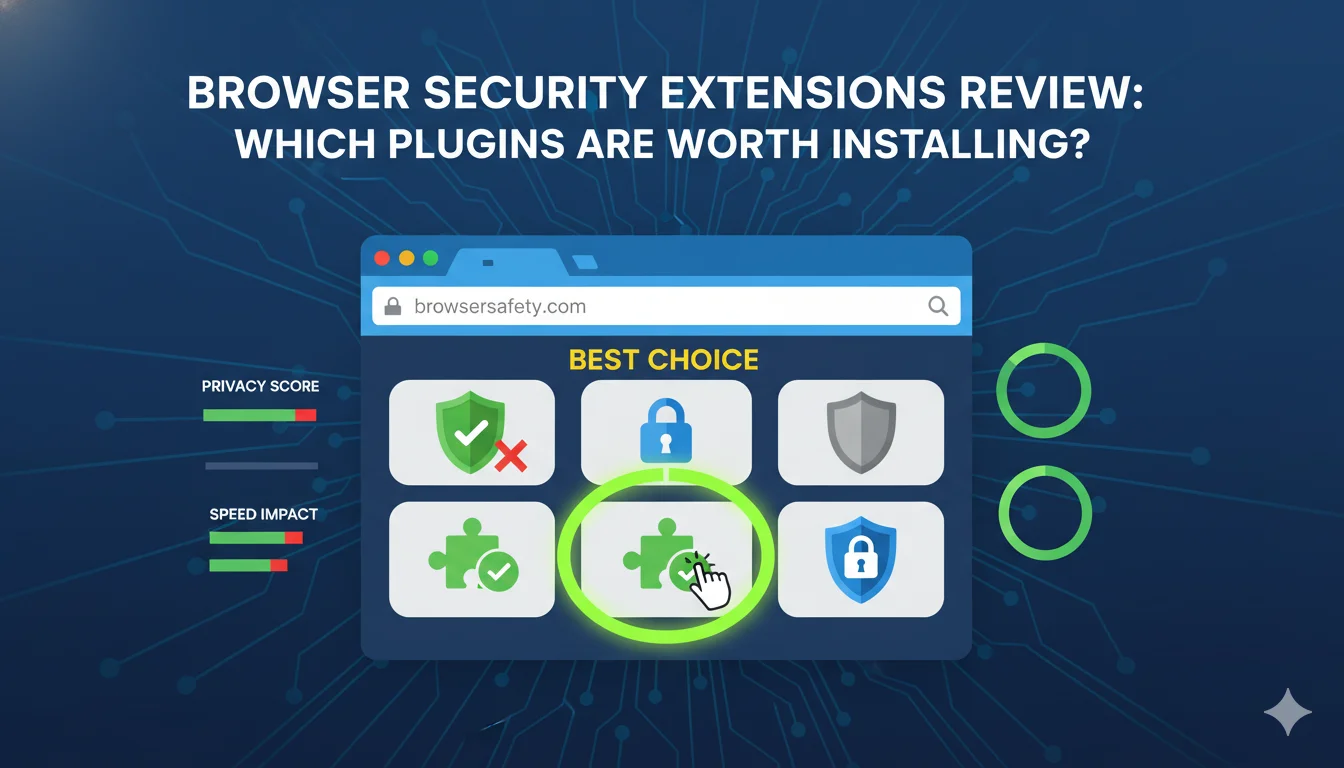
Browsing the internet safely is essential with the rise of phishing scams and malware. Browser security extensions are simple plugins that help protect your data and privacy in seconds. In this overview, we compare the top choices for 2026 to help you decide which ones provide the best protection for your needs.
Best Picks Summary
- Best Overall for Beginners: uBlock Origin. It is no-cost, lightweight, and blocks ads, trackers, and malware without overwhelming you with settings.
- Best for Privacy-Focused Users: Privacy Badger. It adapts to your browsing habits and blocks trackers automatically—no manual tweaks needed.
- Best for Insights and Control: Ghostery. See exactly who’s tracking you and block them with ease.
- Best for Malware Protection: Malwarebytes Browser Guard. Ideal if you’re worried about scams and harmful sites.
- Best Premium Option: Guardio. For those wanting pro-level features like real-time scans and mobile integration.
These picks are based on real-world testing and user reviews, emphasizing value in browser security extensions vs. no-cost alternatives.
Further Reading:
OBS vs Camtasia vs ScreenFlow: Best Screen Recorder in 2026
Best File Compression Software for Large Files
ChatGPT Plus vs Gemini Advanced vs Claude Pro (Pricing & Features)
Detailed Reviews
uBlock Origin Review
uBlock Origin is a powerhouse among browser security extensions, known for its efficiency in blocking ads, trackers, and even malware-laden scripts. Unlike basic ad blockers, it uses filter lists to target threats precisely, making it a go-to for users who want faster page loads and better privacy. In 2026, the Lite version ensures compatibility with Chrome’s Manifest V3 updates, so it won’t slow down your browser.
Pros:
- Extremely lightweight—uses minimal CPU and memory.
- Customizable filters for advanced users.
- Blocks malware domains and phishing attempts effectively.
- Completely no-cost and open-source, with no hidden upsells.
Cons:
- Can occasionally break website functionality (e.g., videos won’t load).
- Requires some setup for optimal performance if you’re picky.
Who Should Choose This: Beginners looking for a set-it-and-forget-it tool or intermediate users who enjoy tweaking settings. If speed is your priority, this is worth installing over bulkier alternatives.
In real-world use, uBlock Origin shines when shopping online—it blocks intrusive ads that could lead to scam sites, saving you time and potential headaches.
Privacy Badger Review
Developed by the Electronic Frontier Foundation (EFF), Privacy Badger is all about smart tracker blocking. It doesn’t rely on static lists; instead, it learns from your browsing to identify and stop trackers dynamically. This makes it one of the best browser security extensions for privacy without constant intervention.
Pros:
- Automatic adaptation—no need to update lists manually.
- no-cost with optional donations to support EFF.
- Improves over time as it “learns” new threats.
- Minimal impact on browsing speed.
Cons:
- May let some ads through initially while learning.
- Less effective against ads compared to dedicated blockers like uBlock.
Who Should Choose This: Intermediate users focused on long-term privacy. It’s ideal if you browse social media or news sites where trackers are rampant.
For use cases, imagine researching sensitive topics like health issues—Privacy Badger prevents companies from building profiles on you, keeping your searches private.
Ghostery Review
Ghostery stands out in browser security extensions reviews for its transparency. It not only blocks trackers and ads but also shows you a dashboard of who’s trying to track you on each site. In 2026, its anti-fingerprinting features help evade device identification, adding an extra layer of anonymity.
Pros:
- Detailed insights into trackers for educational value.
- Built-in ad blocking with customizable options.
- Premium version adds enhanced privacy software like contributor tiers.
- Works across multiple browsers seamlessly.
Cons:
- no-cost version has basic features; premium unlocks more.
- Can be overwhelming for absolute beginners due to the info overload.
Who Should Choose This: Users who want to understand tracking mechanics. It’s worth it if you’re comparing browser security extensions for educational purposes.
In everyday scenarios, Ghostery is great for online banking—it blocks third-party scripts that could expose your session to risks.
Malwarebytes Browser Guard Review
Malwarebytes Browser Guard focuses on direct threats like malware, scams, and phishing. It’s from the trusted Malwarebytes brand, known for antivirus software, and extends that protection to your browser. This extension is particularly strong in blocking deceptive ads and fake download prompts.
Pros:
- Excellent at stopping scams and malicious sites.
- no-cost with no premium tiers needed for core features.
- Integrates well with other security software.
- Low resource usage for smooth performance.
Cons:
- Less emphasis on ad blocking compared to competitors.
- Occasional false positives on legitimate sites.
Who Should Choose This: Beginners concerned about malware from shady downloads or emails. Pair it with an ad blocker for full coverage.
Use it when downloading no-cost software—it scans links in real-time to avoid bundled malware, a common pitfall for intermediate users.
Guardio Review
Guardio is a more comprehensive browser security extension, offering real-time scanning for threats, phishing blocks, and even removal of risky extensions. It’s like having a mini-antivirus in your browser, with mobile app integration for premium users.
Pros:
- Proactive protection against phishing in emails and texts.
- Detects and removes malicious add-ons automatically.
- High user trust with over 1.5 million installs.
- Premium includes mobile security for cross-device protection.
Cons:
- no-cost version is limited; premium required for full features.
- Slightly higher resource use than lighter extensions.
Who Should Choose This: Users willing to pay for premium browser security. It’s ideal if you’re comparing extensions with commercial intent in mind.
For real-world application, Guardio excels in e-commerce— it blocks harmful redirects during checkout, ensuring safe transactions.
Pricing Comparison
Most browser security extensions are no-cost, making them accessible for beginners. Here’s a breakdown:
- uBlock Origin: Completely no-cost—no ads or upsells.
- Privacy Badger: no-cost; supports donations to EFF (suggested $5–$10 monthly).
- Ghostery: no-cost basic; premium at $4.99/month for advanced tracking protection and no limits.
- Malwarebytes Browser Guard: Entirely no-cost.
- Guardio: no-cost trial; premium starts at $4.99/month or $49.99/year, including mobile app access.
When deciding, consider if premium features like Guardio’s real-time alerts or Ghostery’s enhanced insights are worth the cost. no-cost options like uBlock Origin often suffice for intermediate users, but premiums add peace of mind.
Use Cases
Browser security extensions aren’t one-size-fits-all. Here’s how they fit real scenarios:
- Online Shopping: Use Guardio or Malwarebytes to block phishing during payments. uBlock Origin clears ad clutter for better focus.
- Social Media Browsing: Privacy Badger and Ghostery prevent trackers from profiling your habits, reducing targeted ads.
- Work or Research: uBlock Origin speeds up pages, while Ghostery provides insights into data collection on professional sites.
- Downloading Files: Malwarebytes shines here, scanning for scams in no-costware sites.
- General Daily Use: A combo of Privacy Badger and uBlock Origin offers balanced protection without complexity.
These use cases highlight why comparing browser security extensions is key to finding what’s worth installing for your needs.
Alternatives
If our top picks don’t fit, consider these browser security extensions alternatives:
- DuckDuckGo Privacy Essentials: no-cost tracker blocker with site privacy grades—great vs. Ghostery for simplicity.
- AdGuard: Strong ad and tracker blocking with parental controls; premium $2.49/month.
- HTTPS Everywhere: Forces secure connections; no-cost but less needed in 2026 as browsers handle it natively.
- NoScript: Blocks scripts for ultimate control; no-cost but advanced (not beginner-friendly).
- Bitwarden: For password security; no-cost with premium $10/year—pair with any above for added protection.
These alternatives provide options if you’re seeking specific features like parental controls or script blocking.
Final Verdict
After reviewing these browser security extensions, our top recommendation is uBlock Origin for most users—it’s no-cost, effective, and easy to install, making it worth every click. If privacy is your main concern, go with Privacy Badger. For those facing frequent threats, Malwarebytes or Guardio (premium) offer robust defenses. Ultimately, start with one or two no-cost ones and test them; you can always add more. Installing the right extensions can transform your browsing from risky to secure, helping you make smarter decisions online.
FAQs
What are the best free browser security extensions in 2026?
uBlock Origin, Privacy Badger, and Malwarebytes Browser Guard top the list for no-cost, effective protection against ads, trackers, and malware.
Are browser security extensions worth installing?
Absolutely—if you’re tired of ads, trackers, or scams slowing you down, these plugins enhance security without much effort. They’re especially worth it for beginners.
How do browser security extensions compare to built-in browser features?
Extensions like Ghostery add layers beyond native software, such as detailed tracker insights, making them superior for customized protection.
What’s the pricing for premium browser security extensions?
Premiums range from $4.99/month (Ghostery, Guardio) for advanced features like real-time scans, but no-cost versions often cover basics.
What alternatives exist to uBlock Origin?
Ghostery or AdGuard are solid alternatives, offering similar ad/tracker blocking with extra perks like privacy dashboards.