Best VPN Services for Privacy & Security (Top Picks for US Users)
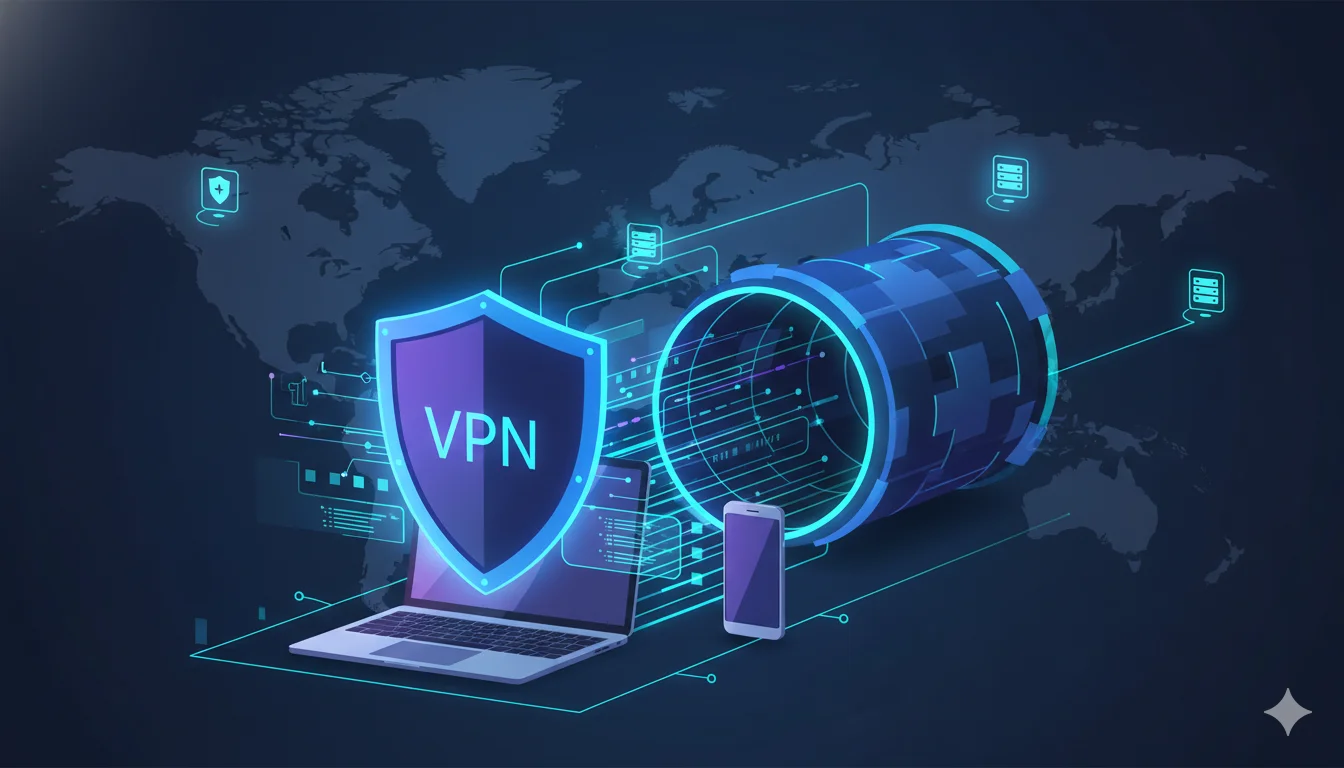
A Virtual Private Network (VPN) is one of the most reliable ways to protect your online privacy and keep your data secure on public networks. In this guide, we’ll explain how VPNs work and review five of the best VPN services for users in the US and UK. We’ll look at their features, pricing, and pros and cons to help you find the right provider for your needs.
Why VPNs are important for privacy
A VPN creates an encrypted tunnel between your device and a server operated by the VPN provider. When enabled, your ISP and most local observers cannot see the content of your traffic or the destination domains you visit — they only see an encrypted connection to the VPN server. For privacy-conscious users this solves several practical problems:
- ISP & local network visibility: On public Wi-Fi (cafés, airports) or through your ISP, plain-text traffic and destination metadata are exposed without protection. A VPN encrypts traffic to prevent passive observation and opportunistic injection.
- Location masking: A VPN gives you an IP address from the provider’s server location, which helps reduce geographic tracking and can obscure your rough location from sites and trackers.
- Cross-jurisdictional protection: Choosing providers headquartered in privacy-friendly jurisdictions — and those with audited/no-logs policies — reduces the legal pressure that can force data disclosure.
However, a VPN is not a silver bullet. It hides traffic from observers between you and the VPN, but the VPN operator can see metadata and, depending on the service, may collect or be compelled to turn over connection logs. Combine a VPN with other privacy options (browser hardening, tracker blockers, end-to-end encryption for messages) for layered protection.
Related Articles You May Like:
Best Cloud Storage Services for Personal Use (Pricing Comparison)
Best AI Photo Restoration Software (Free vs Paid) – 2026 Guide
Top WordPress Hosting in the USA for 2026: Fast, Secure, and Easy for Beginners
How VPNs work (simple explanation)
At a technical level — but keeping this simple — a VPN client on your device:
- Initiates an authenticated, encrypted connection (the tunnel) to a VPN server using a tunneling protocol (WireGuard, OpenVPN, IKEv2, or proprietary variants).
- Routes your device’s IP packets through that tunnel so the VPN server becomes the apparent source of requests on the internet.
- The server forwards requests to the destination and then returns responses back through the encrypted tunnel.
- Your device decrypts the responses and handles them locally.
Key security elements to watch for: modern protocols (WireGuard or well-configured OpenVPN/IKEv2), strong cipher suites (AES-GCM, ChaCha20-Poly1305), kill-switch functionality (blocks traffic if the tunnel drops), DNS leak protection, and multi-hop or obfuscation options when censorship is a concern.
Top 5 VPN services — detailed reviews
1. ExpressVPN
ExpressVPN is consistently positioned as a premium, privacy-first provider that balances fast infrastructure with an emphasis on security and usability. Recently it has been expanding beyond core VPN functionality into broader privacy services (AI features, identity monitoring), packaged into tiered plans.
Security & privacy posture
- Uses a mix of Lightway (their proprietary protocol), WireGuard, and OpenVPN; full-disk RAM-only servers and audited codebases historically.
- Offers a network lock (kill switch), DNS leak protection, and split tunneling.
- Has a history of third-party audits and a no-logs policy—backed by past independent audits.
Features
- Wide server network and consistently strong speeds for streaming and P2P.
- Native apps for all major platforms, router firmware, and browser extensions.
- New bundled privacy options (password manager, email protection, identity defender) on higher tiers.
Pricing
- Premium-priced compared to budget competitors; tiered plans exist with Advanced/Pro options for bundled services. Check the provider page for current promotional pricing.
Pros
- Excellent performance and reliability.
- Strong privacy rhetoric with audits and RAM-only server claims.
- Great global server footprint and good streaming compatibility.
Cons
- Higher cost for full-featured plans.
- Some advanced features (identity monitoring) may be region-limited.
Best for: users who want top-tier performance, polished apps, and a provider investing in extra privacy services.
2. NordVPN
NordVPN blends strong privacy features with a large server fleet and additional security add-ons (password manager, threat protection). It offers multiple plans that bundle value services such as Threat Protection Pro. Pricing tiers and promotions vary frequently.
Security & privacy posture
- Supports NordLynx (WireGuard-based), OpenVPN, and IKEv2.
- Offers double-VPN (multi-hop), Tor over VPN, and an audited no-logs policy.
- Threat Protection (malware and tracker blocking) is a paid add-on on some plans.
Features
- Large server network and specialty servers (P2P, obfuscated, double VPN).
- Dedicated IP option and built-in ad/malware blocking on certain tiers.
- Good cross-platform support and router setups.
Pricing
- Mid-to-premium pricing with multi-year discounts; bundle options with NordPass and other services frequently available.
Pros
- Strong privacy features and specialty server options.
- Competitive speed and wide platform support.
- Mature ecosystem with useful adjunct services.
Cons
- Extra features sometimes require higher-tier plans.
- Past ownership and marketing changes make some users cautious (but audits help).
Best for: power users who want curated privacy extras (double-VPN, Tor integration) while retaining mainstream streaming/P2P compatibility.
3. Surfshark
Surfshark positions itself on value: unlimited simultaneous connections, a rich feature set, and aggressive long-term pricing. Recent promotions have driven its effective price down even further, and it bundles identity and device protection in its Surfshark One packages.
Security & privacy posture
- Uses WireGuard and OpenVPN; zero-logs policy; RAM-only servers.
- Offers MultiHop, camouflage mode (obfuscation), kill switch, and CleanWeb (ad/track blocking).
Features
- Unlimited device connections — unique if you have many devices or a family.
- Identity protections, antivirus, and email scam checking in higher bundles.
- Smart DNS and good streaming unblock ability.
Pricing
- One of the most budget-friendly on long-term commitments; frequent deals lower long-term costs to under $3/month.
Pros
- Excellent value and unlimited devices.
- Feature-rich and easy to use for non-technical users.
- Solid streaming and P2P performance.
Cons
- Lower-priced plans require long-term commitment to unlock the best rates.
- Some advanced privacy purists prefer smaller, more narrowly focused providers.
Best for: families or users with many devices who want a good security baseline and strong value.
4. Proton VPN
Proton VPN comes from the same team behind Proton Mail and emphasizes open-source tools, transparency, and a trustworthy privacy stance. It also offers a truly usable no-cost version that doesn’t sell data — an important distinction when comparing “free” VPNs.
Security & privacy posture
- Based in Switzerland (strong privacy laws), open-source apps, audited code.
- Implements modern protocols (WireGuard/OpenVPN), Secure Core (multi-hop routing through privacy-friendly jurisdictions), and strict no-logs policy.
Features
- no-cost version available (no data caps), paid tiers unlock more countries, streaming support, and faster speeds.
- Strong focus on transparency and infrastructure owned/operated by Proton when possible.
Pricing
- unpaid plan plus tiered paid plans; paid plans are competitive, and Proton frequently promotes privacy as its differentiator.
Pros
- Excellent privacy provenance and transparency.
- Usable unpaid plan for basic privacy needs.
- Strong multi-hop and Tor-over-VPN options.
Cons
- no-cost version has limited servers and can be congested.
- Speeds on the unpaid plan and lower tiers may not match premium competitors.
Best for: privacy-first users who value transparency, open-source software, and legally protective jurisdictions.
5. Mullvad
Mullvad remains a favorite among privacy purists because of its simplicity, price predictability, and strong anonymous signup process (you can pay without providing personal details). It charges a flat monthly fee and focuses on minimalism and privacy-first design.
Security & privacy posture
- Minimal data collection: no personal account details required, anonymous account creation.
- Strong commitment to open-source clients, WireGuard support, and a clear no-logs stance.
Features
- Flat pricing (€5/month) and simple, privacy-centric account model.
- No-bloat apps; a focus on essential VPN features rather than extra services.
Pricing
- Flat, currency-denominated pricing (commonly €5/month), which is transparent and predictable.
Pros
- Very strong anonymous signup and privacy-first defaults.
- Simple, transparent pricing and minimal attack surface.
Cons
- Fewer convenience features (no built-in password manager, fewer streaming conveniences).
- UI/UX is intentionally austere; not for users who want lots of extras.
Best for: privacy purists who want a simple, anonymous VPN with minimal telemetry.
Features comparison snapshot (security-focused checklist)
When choosing a VPN for privacy/security, use the following checklist as a quick decision matrix:
- Jurisdiction & logging policy: Who can compel the provider? Do they log connection metadata? (Proton, Mullvad emphasize favorable jurisdictions/no-logs.)
- Protocol support: WireGuard and well-configured OpenVPN/IKEv2 are preferred.
- RAM-only servers / audit history: Reduces risk of persistent forensic data.
- Kill switch and DNS leak protection: Must-have security controls.
- Multi-hop / Tor support: Useful for enhanced anonymity or evading advanced surveillance.
- Transparency & open source: Open-source clients and public audits increase trust.
- Payment/privacy options: Anonymous payment (cash, crypto) and minimal account requirements are beneficial for privacy-focused users.
Best VPN for specific use-cases
- Best for streaming: ExpressVPN and NordVPN — both have a track record of reliably unblocking major streaming services and offering high throughput for 4K streams. (ExpressVPN and NordLynx/WireGuard speeds make them strong picks.)
- Best for privacy/perfect anonymity: Mullvad and Proton VPN — Mullvad for anonymous, minimal-data signup and Proton for Swiss jurisdiction and open-source transparency.
- Best for beginners / families: Surfshark — unlimited devices, straightforward apps, and strong default protections make it ideal for non-technical users.
Practical purchasing and usage recommendations
- Prefer annual or multi-year deals only if you plan to use the VPN long-term. Long-term discounting is common, but evaluate the refund policy (most reputable providers offer 30-day money-back guarantees).
- Enable kill-switch and DNS leak protection by default. Verify protection with online tests after you connect.
- Use modern protocols where available (WireGuard/NordLynx/Lightway). They typically offer better throughput with solid security.
- Combine tools for defense-in-depth. Use browser privacy extensions, HTTPS Everywhere, tracker blocking, and, where needed, Tor or secure messaging on top of a VPN.
- Avoid “free” VPNs that monetize with tracking or questionable data sales. Proton’s no-cost version is a rare example of a genuinely privacy-focused free option.
Final recommendation
For most US and UK users who want a blend of strong privacy, excellent performance, and usability, my top, balanced recommendation is ExpressVPN for those willing to pay a premium for reliability and broad platform support, and Surfshark for those who prioritize cost and unlimited device coverage. If your priority is a
bsolute privacy and minimalization of provider metadata, Mullvad or Proton VPN are the better choices — Mullvad for anonymous sign-up and simplicity; Proton for jurisdictional and open-source assurances.
If you must pick a single service right now:
- Choose ExpressVPN if you require top-tier streaming performance, polished apps, and an ecosystem that’s increasingly branching into identity protection.
- Choose Mullvad if your primary goal is to minimize any link between your identity and your VPN usage and you don’t need bundled extras.
Closing security notes
A VPN protects the connection between you and the web, but it does not encrypt content end-to-end between you and services (unless those services use HTTPS). Be mindful of browser fingerprinting, trackers, and the security of upstream services (email providers, cloud services). Finally, review a provider’s independent audits, transparency reports, and jurisdiction before making a long-term commitment.