Best Cloud Storage Services for Personal Use (Pricing Comparison)
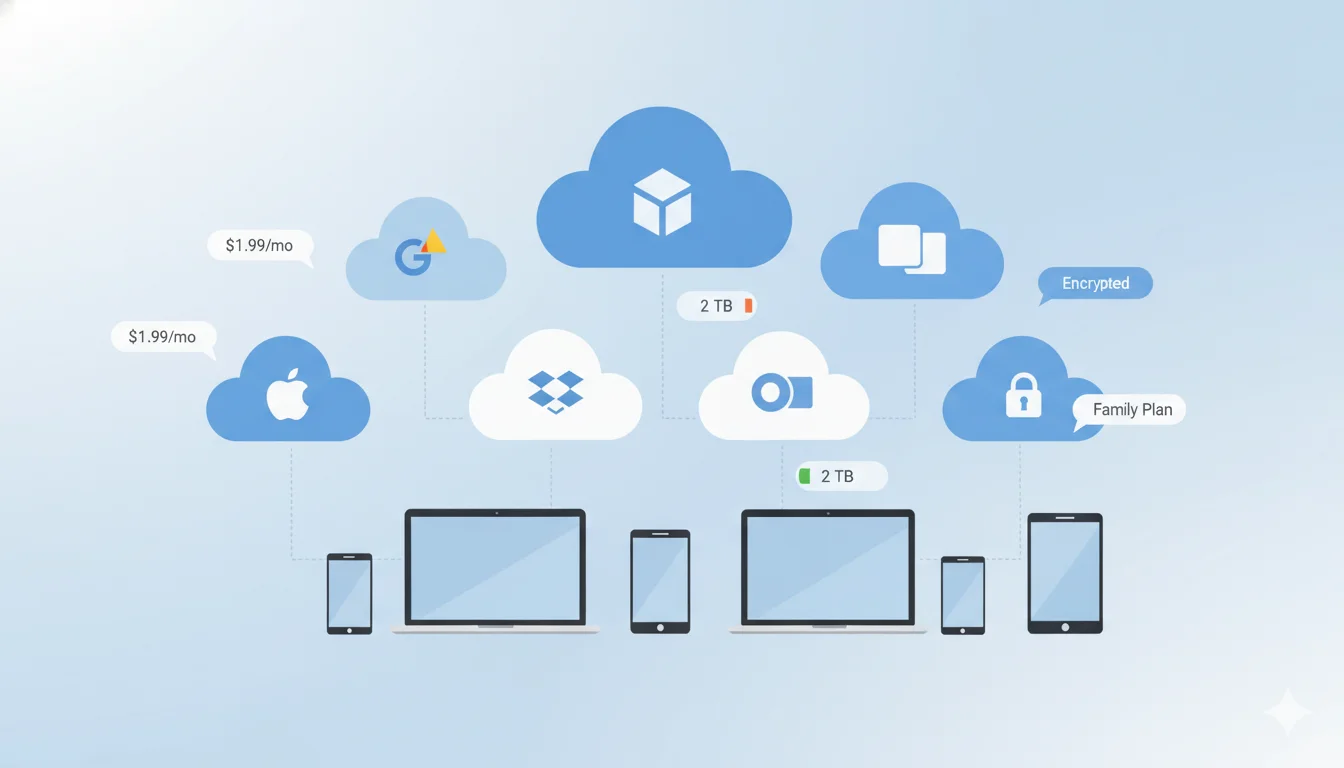
Choosing the right cloud storage is essential for keeping your photos and documents safe and accessible across all your devices. With so many providers available, it can be hard to know which one offers the best value for your needs. In this guide, we’ll compare six of the top cloud services for personal use, looking at their pricing, storage limits, and security features to help you find the best option for your backups.
Quick look: who we compare
- Google One
- Dropbox
- Microsoft OneDrive
- iCloud+
- pCloud
- Sync.com
Why cloud storage matters (short primer)
The primary reasons people buy cloud storage are: safe off-device backups, synced access across devices, photo/video library management, and simple file sharing. other important factors include security (encryption and privacy), version history / file recovery, and integration with apps you already use (photo apps, office suites, password managers). Cost is important but should be weighed against features you’ll actually use: family sharing, client apps, automatic device backups, and ease of restoring large archives.
Pricing comparison (monthly & yearly)
Below are the typical, consumer-oriented plans for each provider. Pricing and promotional discounts vary by country and occasionally by device or limited-time offers; the official plan pages are cited for each provider.
Note: listed prices are representative US/Global consumer tiers gathered from official plan pages and recent reporting; promotions and country pricing can alter exact figures. Always check the provider page for up-to-date local pricing.
Related Articles You May Like:
Best AI Photo Restoration Software (Free vs Paid) – 2026 Guide
Top WordPress Hosting in the USA for 2026: Fast, Secure, and Easy for Beginners
Best Screen Recording Software for Windows & Mac (Free & Paid)
Storage limits, core security features, pros & cons
Google One — Storage, security, pros/cons
Storage & limits: no-cost 15 GB across Drive/Photos/Gmail; paid tiers up to multi-TB. Family sharing available on many tiers.
Security: Data encrypted in transit and at rest; higher tiers have added features (VPN for mobile, enhanced AI features depending on plan). Not a zero-knowledge provider—the company can access metadata per its terms.
Pros: Excellent integration with Android, Gmail and Google Photos; simple family sharing; strong search and AI features.
Cons: Not zero-knowledge; recent promotional pricing makes comparing effective cost harder.
Dropbox — Storage, security, pros/cons
Storage & limits: Consumer plans typically start at 2 TB for the Plus tier; Professional plan offers 3 TB and more sharing tools.
Security: Encryption in transit and at rest; Business features include extended version history and admin controls. Dropbox does not offer built-in zero-knowledge on standard consumer plans.
Pros: Strong cross-platform sync, stable client apps, productivity integrations (paper, comments).
Cons: More expensive per TB than some rivals; less privacy-centric than end-to-end solutions.
Microsoft OneDrive — Storage, security, pros/cons
Storage & limits: Microsoft 365 Personal includes 1 TB; Family gives up to 6 TB (1 TB per user). Good value if you need Office apps bundled.
Security: Encryption in transit and at rest; Personal Vault adds extra authentication for sensitive files. Not zero-knowledge. Recent Microsoft changes have phased out some standalone plans—Microsoft is steering users toward M365 bundles.
Pros: Best value for heavy Office users; seamless Windows integration and device backup features.
Cons: If you only want raw storage without Office, bundled pricing may be less ideal.
iCloud+ — Storage, security, pros/cons
Storage & limits: no-cost 5 GB; paid tiers at 50 GB / 200 GB / 2 TB. Family sharing supported at higher tiers.
Security: Apple provides end-to-end encryption for many sensitive data categories (Keychain, Health, Home data). iCloud Private Relay and Hide My Email offer privacy features for web and mail. Not all iCloud data is end-to-end by default (e.g., full iCloud Drive contents are encrypted but Apple keys may enable recovery).
Pros: Best experience for Apple users; tight OS integration and device backups.
Cons: Best value only if you’re in Apple ecosystem; limited advanced sharing or collaboration features compared with Google/Microsoft.
pCloud — Storage, security, pros/cons
Storage & limits: Flexible monthly and yearly tiers; strong marketing around lifetime one-time purchases (2 TB lifetime offers appear periodically).
Security: Offers optional client-side encryption (pCloud Crypto) as an add-on — if you buy Crypto, files are stored zero-knowledge. Standard accounts encrypt data in transit and at rest.
Pros: Lifetime plans can be cost-effective for long-term storage; strong European privacy posture.
Cons: Client-side (zero-knowledge) encryption is an extra paid option; lifetime deals are promotional and may not be always available.
Sync.com — Storage, security, pros/cons
Storage & limits: Pro Solo plans for individuals include large single-user capacity options (5 TB, Unlimited), and annual billing gives significant savings over month-to-month.
Security: End-to-end encryption (zero-knowledge) is core to Sync.com’s pitch — this means only you can decrypt files. Strong privacy stance and good option for users who prioritize confidentiality.
Pros: Best privacy-focused consumer option among mainstream services. Good file recovery/versioning features.
Cons: Collaboration and native app integrations are not as extensive as Google/Microsoft; higher price per TB for some tiers.
Which service is best for specific use cases?
Best for Photos
- Apple iCloud+ if you are deeply invested in the Apple ecosystem — seamless device backups, optimized photo storage and shared albums.
- Google One (Google Photos) if you want cross-platform AI search, automatic organization and strong sharing. Google’s Photos tools and AI indexing are leading for non-Apple users.
Best for Documents & Productivity
- Microsoft OneDrive (with Microsoft 365) for users who use Office apps daily — 1 TB per user plus full Office suite makes this a strong productivity bundle.
- Google One / Google Drive for collaboration on documents with real-time editing, excellent cross-platform sharing, and lower barrier for no-cost collaboration.
Best for Backups & Privacy-Sensitive Archives
- Sync.com if you need end-to-end encryption and strong privacy guarantees for backups and sensitive files.
- pCloud (with Crypto add-on) if you prefer European/Swiss hosting options and want the flexibility of lifetime plans.
How to choose: three practical tips
- Match features to real needs. If you only need simple photo backup from a phone, iCloud or Google One at 200 GB is usually cheapest. If you need Office apps and 1 TB, Microsoft 365 Personal is often the best value.
- Consider privacy needs. If zero-knowledge (provider can’t access your data) is important, favor Sync.com or pCloud Crypto. Otherwise weigh integrations and price.
- Watch promotions and family sharing. Providers frequently run discounts (Google One and pCloud promotions are common) and family plans can dramatically lower per-person cost. Always check both monthly and annual totals before committing.
Final verdict — best overall choice
For a broad, Tier-1 consumer audience, Microsoft OneDrive (via Microsoft 365 Family/Personal) is the best overall pick for most people. It balances price, functionality and convenience:
- Why: Microsoft 365 bundles a full Office suite plus cloud storage at a competitive per-user price (1 TB per user; Family gives up to 6 users / 6 TB), making it a particularly strong value for students, professionals and families who regularly create and edit documents. Integration with Windows and first-class desktop syncing is a major practical advantage.
- When it’s not best: If you primarily use Apple devices, iCloud+ may provide a smoother experience; if privacy is the top priority, Sync.com or pCloud Crypto are better choices.
Quick checklist before you buy
- Do you need Office apps? (Choose Microsoft 365.)
- Are you an Apple-only household? (Choose iCloud+.)
- Do you want the cheapest long-term cost and you’re okay buying a lifetime plan? (Check pCloud promotions.)
- Is zero-knowledge encryption essential? (Choose Sync.com or pCloud Crypto.)
Closing summary
There’s no one perfect cloud for every person. If you want the best all-rounder for documents, collaboration and value, Microsoft OneDrive (with Microsoft 365) will serve most Tier-1 users very well. For photos, stick with the ecosystem you use most: Apple or Google. For strict privacy and encrypted archives, Sync.com and pCloud (with Crypto) are the stronger choices. Always compare the effective yearly cost, factor in family sharing or bundled apps, and check for current promotions before you commit. For up-to-the-minute plan details and region-specific pricing, consult the provider pages linked in this guide.