Top WordPress Hosting in the USA for 2026: Fast, Secure, and Easy for Beginners
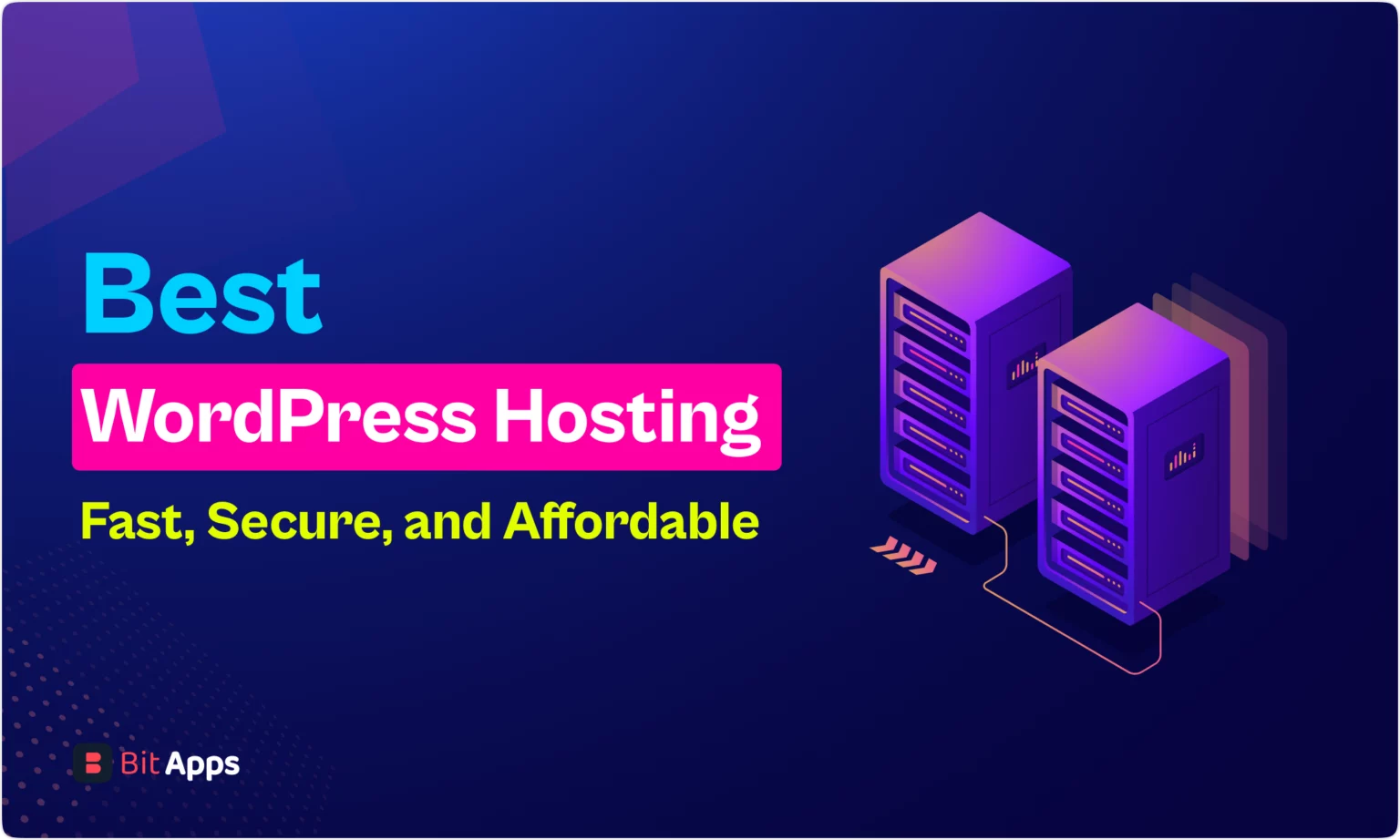
Finding the right hosting provider is one of the most important steps when building a WordPress website. Your choice will impact everything from site speed and security to how well you rank in search results. In this guide, we’ve rounded up the best WordPress hosting services in the USA for 2026, comparing their performance and features to help you find the perfect fit for your blog or business.
Quick Summary: Best WordPress Hosting in the USA (2026)
- Best overall hosting: SiteGround
- Best for beginners: Bluehost
- Best value (low cost with solid performance): Hostinger
- Best premium managed host: WP Engine
- Best scalable cloud option: Cloudways
- Best for high-traffic/premium sites: Kinsta
Why WordPress Hosting Matters
You can host WordPress almost anywhere, but cheap or low-quality hosting often brings problems:
- Slow site speed (bad for SEO and visitors)
- Frequent downtime (people can’t open your site)
- Poor support when something breaks
- Weak security (risk of hacks and malware)
- Sites crash under traffic spikes
A good WordPress host gives you:
- Faster load speed
- Better uptime (99.9% or higher)
- Strong security
- Reliable backups
- Easy WordPress setup
- Helpful support
Types of WordPress Hosting (Explained Simply)
Shared Hosting
This is the cheapest option. Many websites share the same server.
Best for: small blogs and new sites with low traffic.
Downside: speed and performance can be inconsistent.
Managed WordPress Hosting
Optimized specifically for WordPress. Includes updates, caching, security, and expert support.
Best for: serious bloggers, business sites, and high performance needs.
Downside: more expensive.
VPS Hosting
You get your own virtual server with more power and control than shared hosting.
Best for: mid-to-high traffic websites needing flexibility.
Downside: more technical.
Cloud Hosting
Your site runs on cloud servers, which scale well and handle traffic spikes.
Best for: growing websites.
Downside: pricing can vary based on use.
Related Articles You May Like:
Best Screen Recording Software for Windows & Mac (Free & Paid)
Best Password Manager Software for Beginners (Safe & Easy)
ChatGPT Plus Pricing – Is It Worth Paying in 2026?
Best WordPress Hosting Providers in the USA (2026)
1. SiteGround — Best Overall WordPress Hosting
Best for: bloggers, business sites, affiliate websites
Why it’s great: fast speed, excellent uptime, strong support
SiteGround is one of the most trusted hosting providers for WordPress. It balances speed, reliability, and support better than many competitors. Their servers are optimized for WordPress performance and security.
Key Features:
- SSL certificate at no cost certificate
- Daily backups
- Built-in caching for speed
- Free email hosting
- 24/7 customer support
Pros:
- Excellent performance in the USA
- Reliable and secure
- Great for beginners and intermediate users
Cons:
- Renewal prices are higher than initial plans
- Storage limits on smaller plans
Recommended for: anyone who wants stable hosting without complexity.
2. Bluehost — Best for Beginners
Best for: new bloggers and first-time site owners
Why it’s popular: easy setup and beginner-friendly options
Bluehost is recommended by WordPress.org and is one of the oldest and most widely used WordPress hosts. It offers simple tools and strong support that help beginners get started quickly.
Key Features:
- Free domain (usually for the first year)
- One-click WordPress installation
- SSL certificate at no cost
- 24/7 customer support
Pros:
- Simple to use
- Good for low-budget beginners
- Works well for basic sites
Cons:
- Speed and performance are average compared to premium hosts
- Some upsells during signup
Recommended for: beginners who want a smooth, easy start.
3. Hostinger — Best Value Hosting (Budget & Performance)
Best for: affordable WordPress sites, starter blogs
Why it’s good: low cost with solid performance
Hostinger offers some of the lowest long-term costs while including the features most WordPress sites need. It’s a strong pick if you want a cheap host that still performs well.
Key Features:
- LiteSpeed caching for faster pages
- SSL certificate at no cost certificates
- Easy control panel
- Good uptime
Pros:
- Very affordable plans
- Good performance for the price
- Easy for beginners
Cons:
- Support is not as advanced as premium hosts
- Some advanced features require higher plans
Recommended for: people building several small sites or starting with a low budget.
4. WP Engine — Best Premium Managed Hosting
Best for: business sites and high-value blogs
Why it’s premium: excellent speed, security, and WordPress support
WP Engine is a managed host built for performance and professional use. It includes tools that help serious websites perform at high levels.
Key Features:
- Managed WordPress updates
- Daily backups
- Built-in security
- Caching and CDN integrated
Pros:
- Top performance and uptime
- Strong security and expert support
Cons:
- More expensive
- No email hosting included
Recommended for: professional websites that make money and need reliability.
5. Cloudways — Best for Growing Websites (Flexible Cloud Hosting)
Best for: growing blogs and scalable projects
Why it’s unique: choose your cloud provider (DigitalOcean, AWS, Google Cloud)
Cloudways lets you host WordPress on cloud infrastructure with an easy panel to manage it. This gives you more power than shared hosting while staying easier to manage than raw cloud servers.
Key Features:
- Choose server location and size
- Built-in caching
- SSL certificate at no cost
- Auto backups
Pros:
- Good speed and flexibility
- Scales well with traffic growth
Cons:
- Not as beginner-friendly
- Pricing can be confusing at first
Recommended for: people who want strong performance and plan to grow.
6. Kinsta — Best for High-Traffic and Premium Hosting
Best for: high traffic, premium sites, and businesses
Why it’s elite: built on Google Cloud infrastructure for speed and stability
Kinsta is a premium, managed WordPress host that provides very fast speeds, excellent uptime, and modern features for serious sites.
Key Features:
- Google Cloud infrastructure
- Automatic daily backups
- Built-in caching
- Free CDN and strong security
Pros:
- Very fast loading
- Excellent uptime and support
Cons:
- Expensive for beginners
- Often more than needed for tiny sites
Recommended for: high-traffic sites and long-term business projects.
How to Choose the Best WordPress Hosting (USA)
Here are the main factors to consider:
1) Speed and Performance
Faster sites rank better and keep visitors longer. Look for SSD storage, caching tools, and CDN support.
2) Uptime Reliability
Aim for 99.9% uptime or higher so your site stays live for your visitors.
3) Security Features
Important features include SSL certificate at no cost, firewalls, malware protection, and automatic backups.
4) Customer Support
Choose hosts with 24/7 support and WordPress-trained agents who can help quickly.
5) Pricing and Renewal Costs
Many hosts advertise low first-year prices but raise costs at renewal. Always check renewal plans before buying.
Best Hosting Based on Your Website Type
- New WordPress blog: Bluehost or Hostinger
- Best performance for SEO and ads: SiteGround
- Business website: WP Engine or Kinsta
- Scalable cloud hosting: Cloudways
- High traffic and premium stability: Kinsta
Typical Hosting Prices (USA 2026)
- Shared hosting: $2–$8/month
- Managed WordPress hosting: $20–$60/month
- Cloud hosting: $10–$100/month
- Premium hosting: $60–$200/month
If you’re serious about earning from SEO, affiliates, or ads, hosting is an investment—not just an expense.
Frequently Asked Questions (FAQ)
Which hosting is best for WordPress in the USA?
For most people, SiteGround is one of the best overall choices due to its speed, uptime, and support.
Is shared hosting good for WordPress?
Yes, shared hosting works for small sites. But if traffic grows, consider upgrading to managed or cloud hosting.
What is the fastest WordPress hosting?
Premium managed hosts like Kinsta and WP Engine are among the fastest, especially for high-traffic sites.
Do I need managed WordPress hosting?
If your site earns money or you want maximum stability, managed hosting is worth it. It reduces technical work and boosts performance.
Can I switch hosting later?
Yes. Most hosting services offer migration services to help move your site when you need more power or better support.